

Quick answer: the best free translation apps for fast and accurate results are:
| App | Best for |
|---|---|
| Google Translate | All-purpose translations (text, voice, camera) |
| iTranslate | Voice translation and quick everyday use |
| Microsoft Translator | Real-time conversations |
| DeepL Translator | High accuracy and natural translations |
| Yandex Translate | Offline translations with multiple languages |
| Translate Now | Quick mobile translations with AI features |
| Babylon Translator | Document translation |
| Reverso Translator | Learning with real examples |
| Translator PONS | Detailed grammar and verb conjugation |
Translation apps can help you understand English faster - but they won’t teach you how to speak it.
If you want to go beyond translating and actually communicate, there’s a better way.
Tired of relying on translation apps?
Translation apps help in the moment. With Papora, you learn to understand and communicate in English without relying on translations.
Learn to communicate in English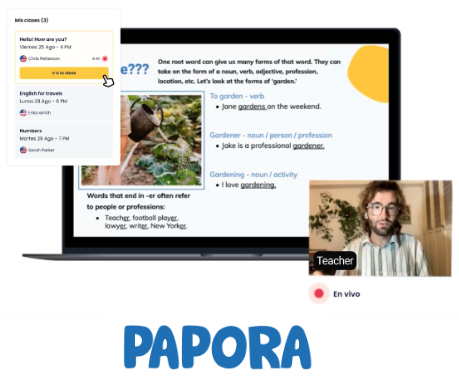


The 9 Best Free Translation Apps Compared
Here are the best translation apps based on accuracy, features, and real use cases:
1. Google Translate
Best for: All-purpose translations (text, voice, camera)
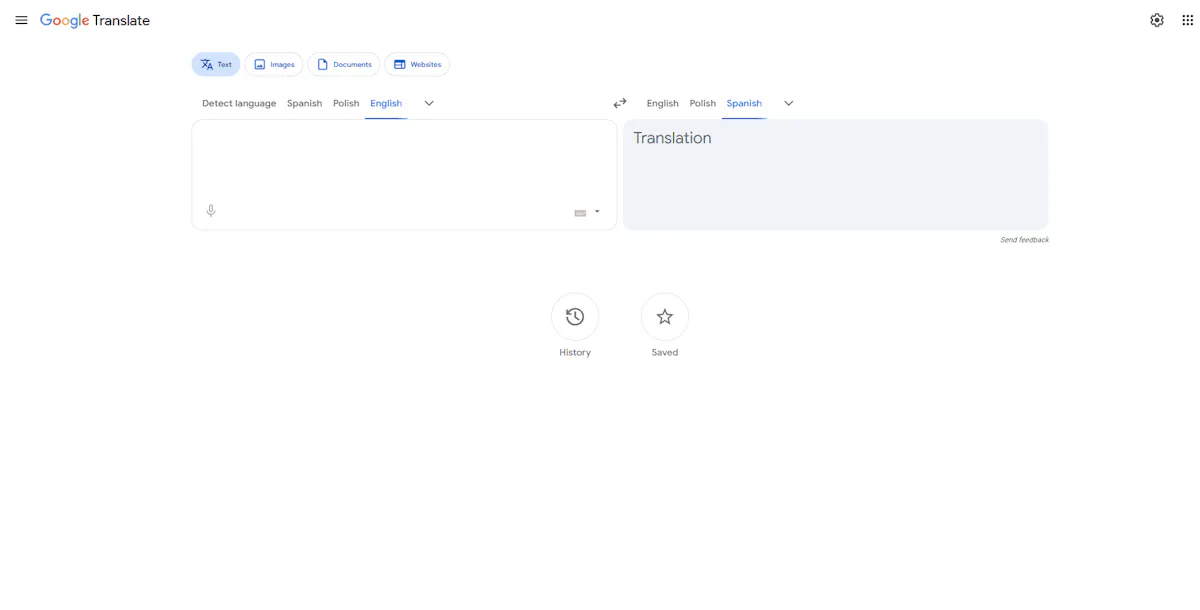
Google Translate is one of the most widely used translation apps, supporting over 100 languages. It’s a solid all-in-one tool for quick translations, voice input, and images.
Key features
- Text, voice, and camera translation
- Supports 100+ languages
- Offline mode available
- Sync across devices
Pros and Cons:
✅ Pros:
- Fast and easy to use
- Supports many languages
❌ Cons:
- Accuracy varies by language
- Limited offline support
2. iTranslate
Best for: Voice translation and quick everyday use
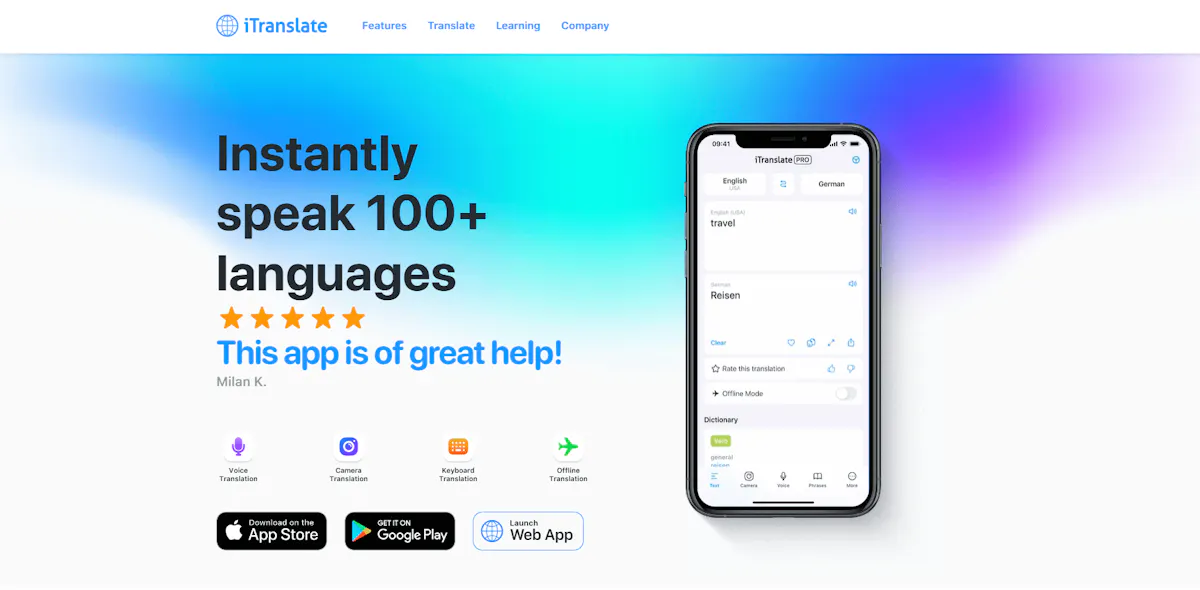
iTranslate is a popular translation app that supports voice, text, and photo translation in over 100 languages. It’s especially useful for offline use and quick translations on the go.
Key features:
- Voice, text, and photo translation
- Supports 100+ languages
- Offline mode (Pro version)
- Built-in dictionary and synonyms
Pros and Cons:
✅ Pros:
- Fast and easy to use
- Includes dictionary and synonyms
❌ Cons:
- Voice input requires internet
- Full features require paid plan
3. Microsoft Translator
Best for: Real-time conversations
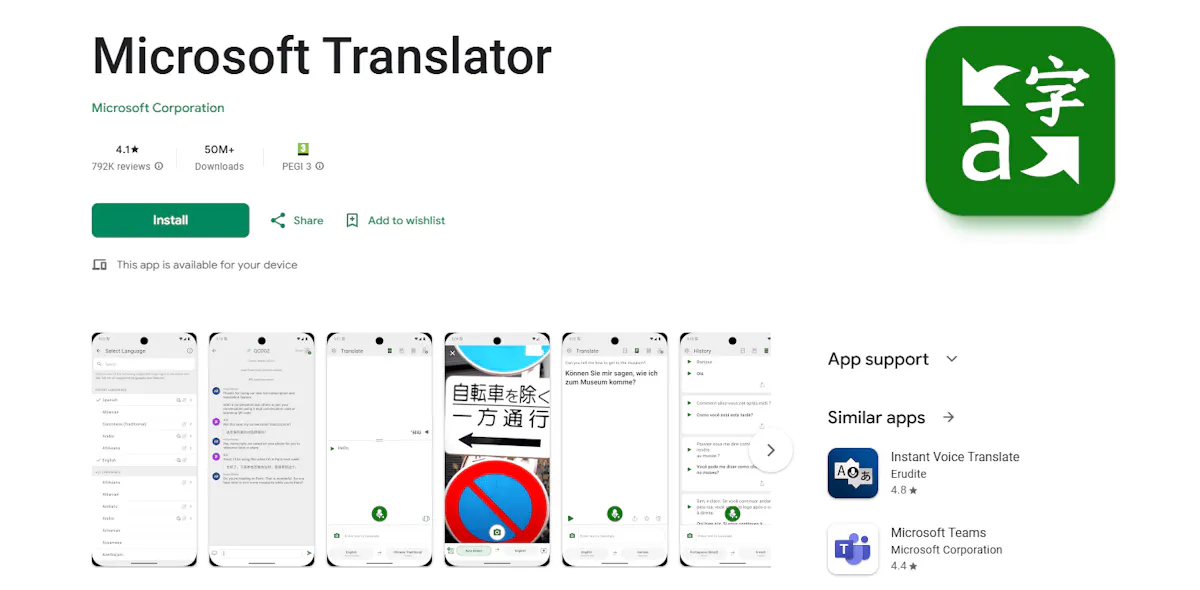
Microsoft Translator is a free translation app that supports text, voice, and real-time conversations in over 70 languages. It’s especially useful for group conversations and multi-device translation.
Key features:
- Real-time conversations across devices
- Text, voice, and image translation
- Supports 70+ languages
- Works online and offline
Pros and Cons:
✅ Pros:
- Great for real-time conversations
- Supports multiple users
❌ Cons:
- Less accurate for complex sentences
- Interface can feel basic
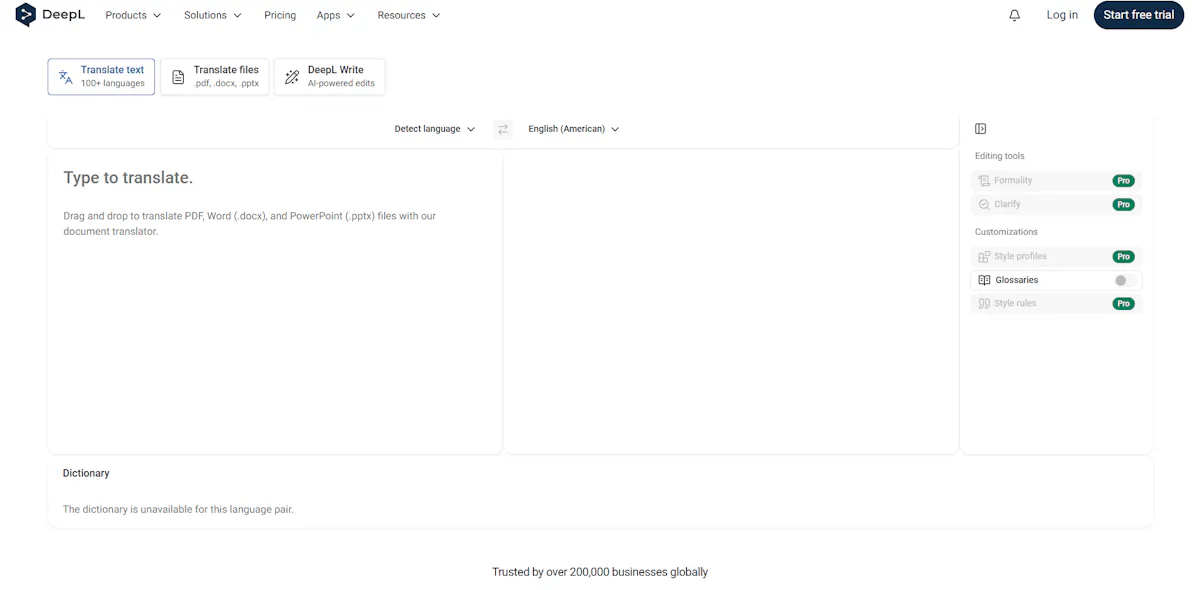
4. DeepL Translator
Best for: High accuracy and natural translations
DeepL is known for its high accuracy and natural-sounding translations. It’s a strong choice if you want to understand context and meaning more clearly.
Key features:
- High-accuracy translations
- Natural-sounding sentences
- Text, voice, and document translation
- Supports multiple languages
Pros and Cons:
✅ Pros:
- Very accurate translations
- Better context understanding
❌ Cons:
- No offline mode
- Character limit on free plan
5. Yandex Translate
Best for: Offline translations
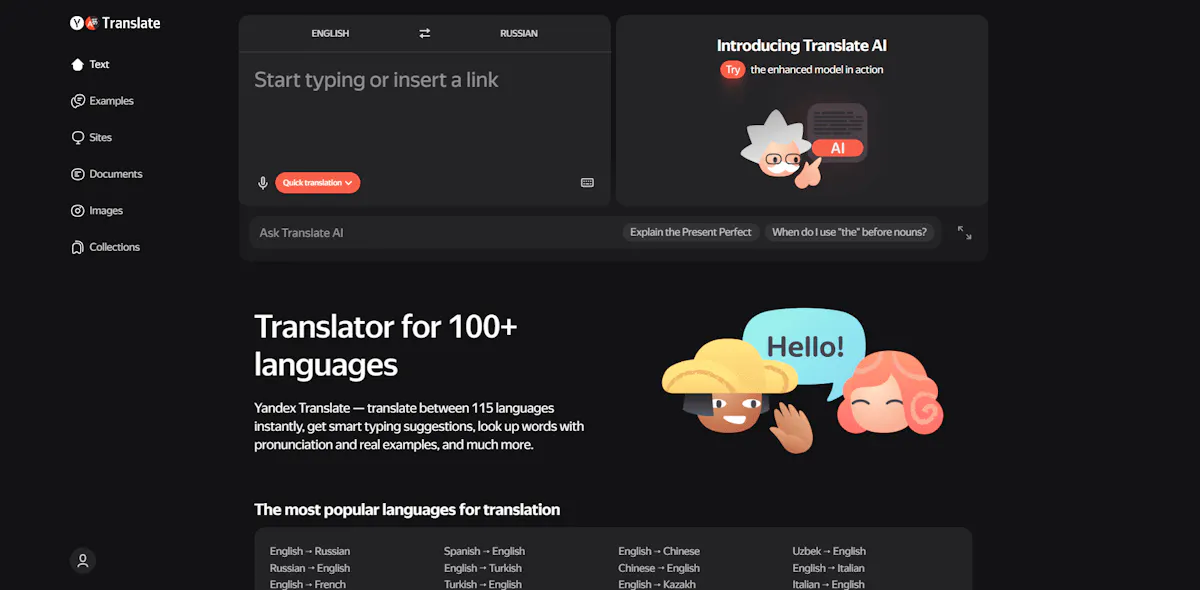
Yandex Translate is a solid option for offline translations and supports over 100 languages. It’s especially useful when you don’t have internet access.
Key features:
- Offline translation support
- Text and image translation
- Supports 100+ languages
- Built-in dictionary with examples
Pros and Cons:
✅ Pros:
- Works offline
- Supports many languages
❌ Cons:
- Limited offline language packs
- Lower accuracy than competitors
Translation apps can solve quick problems - whether it’s offline use, conversations, or accuracy. But they all have one limitation: they don’t show how much you actually understand.
Stop translating. See how much English you actually understand.
Translation apps help in the moment. But they don’t show you how much you really understand. With Papora, you can check your level and start improving your communication step by step.
Check your English level
6. Translate Now
Best for: Quick mobile translations with AI features
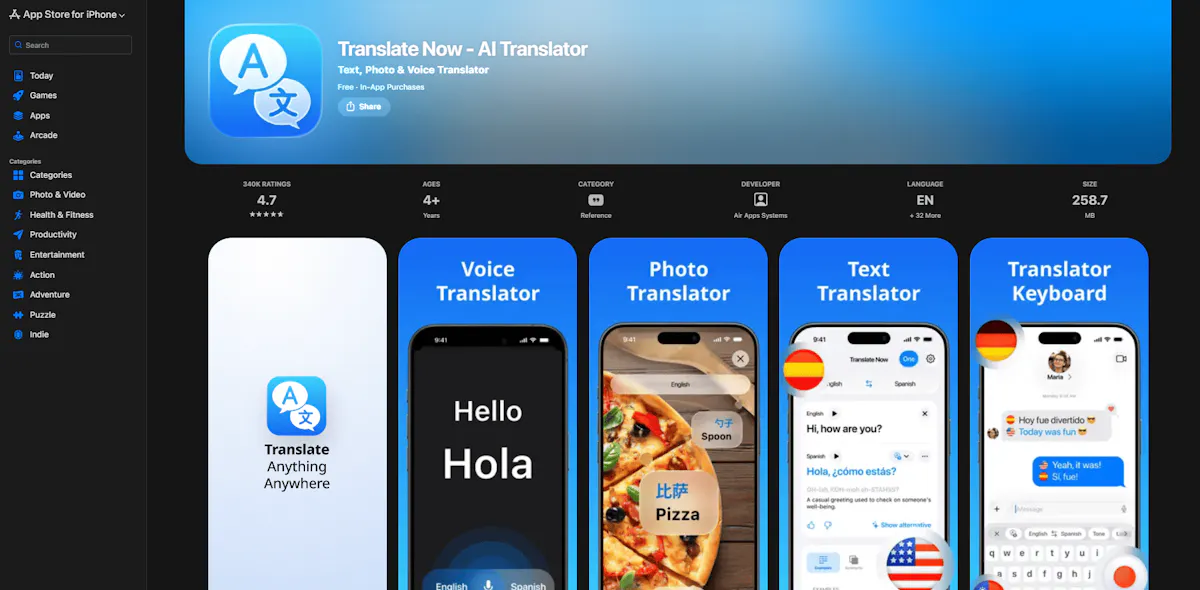
Translate Now is a popular mobile translator with AI-powered features and support for multiple languages. It’s a good option if you want fast translations directly on your phone.
Key features:
- Text, voice, and camera translation
- Supports multiple languages
- AI-powered translation suggestions
- Clean and easy-to-use interface
Pros and Cons:
✅ Pros:
- Fast and easy to use
- High user rating
❌ Cons:
- Requires subscription for full access
- Limited free version
7. Babylon Translator
Best for: Document translation and built-in dictionaries
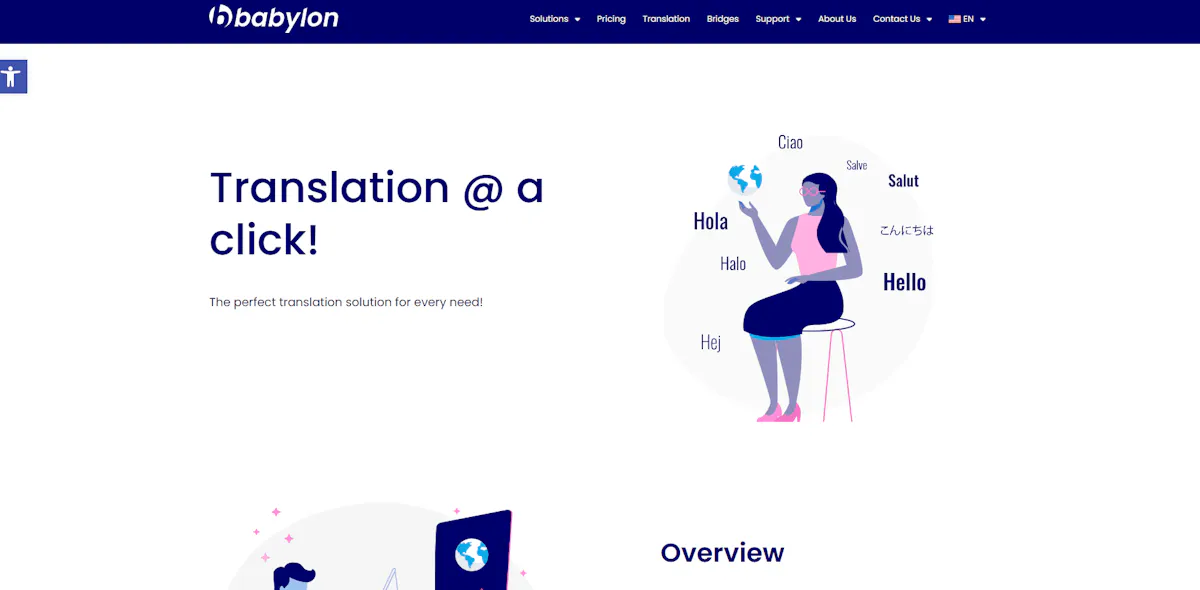
Babylon is a translation tool focused on document translation and dictionary-based results. It’s useful if you need to work with longer texts and detailed definitions.
Key features:
- Document and text translation
- Built-in dictionaries and glossaries
- Supports multiple languages
- Desktop and mobile compatibility
Pros and Cons:
✅ Pros:
- Strong dictionary support
- Good for longer texts
❌ Cons:
- Requires internet connection
- Outdated interface
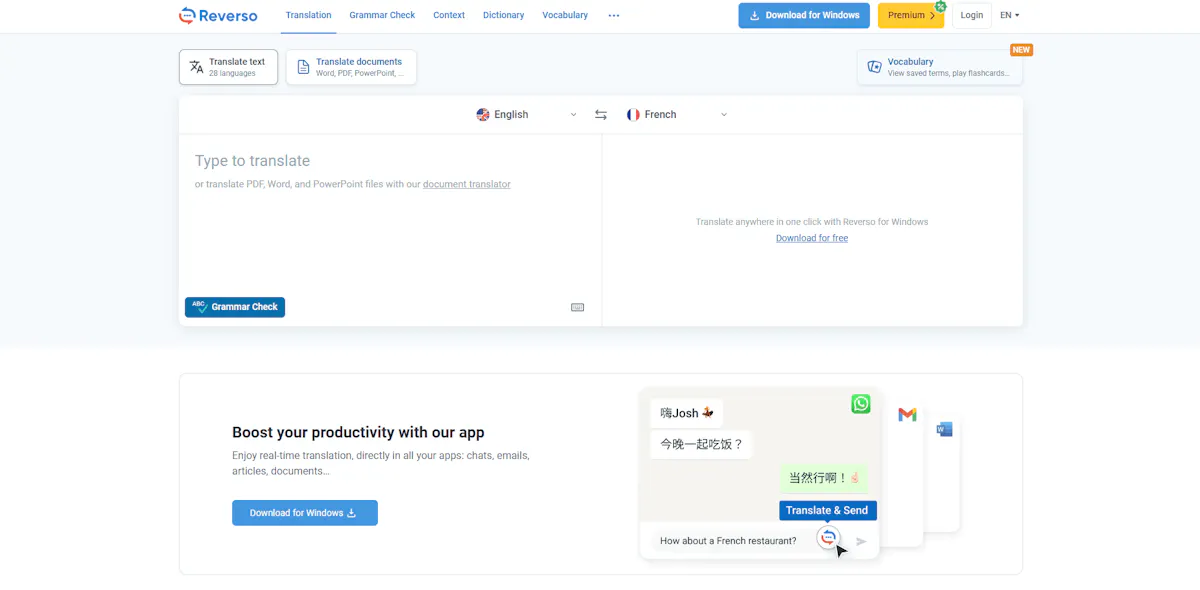
8. Reverso Translator
Best for: Learning with real examples and context
Reverso is a translation tool focused on learning through real-life examples. It helps you understand how words and phrases are actually used in context.
Key features:
- Translations with real example sentences
- Built-in pronunciation and vocabulary lists
- Context-based translations
- Supports multiple languages
Pros and Cons:
✅ Pros:
- Great for learning vocabulary
- Shows real usage examples
❌ Cons:
- Less accurate for direct translations
- Voice output can sound unnatural
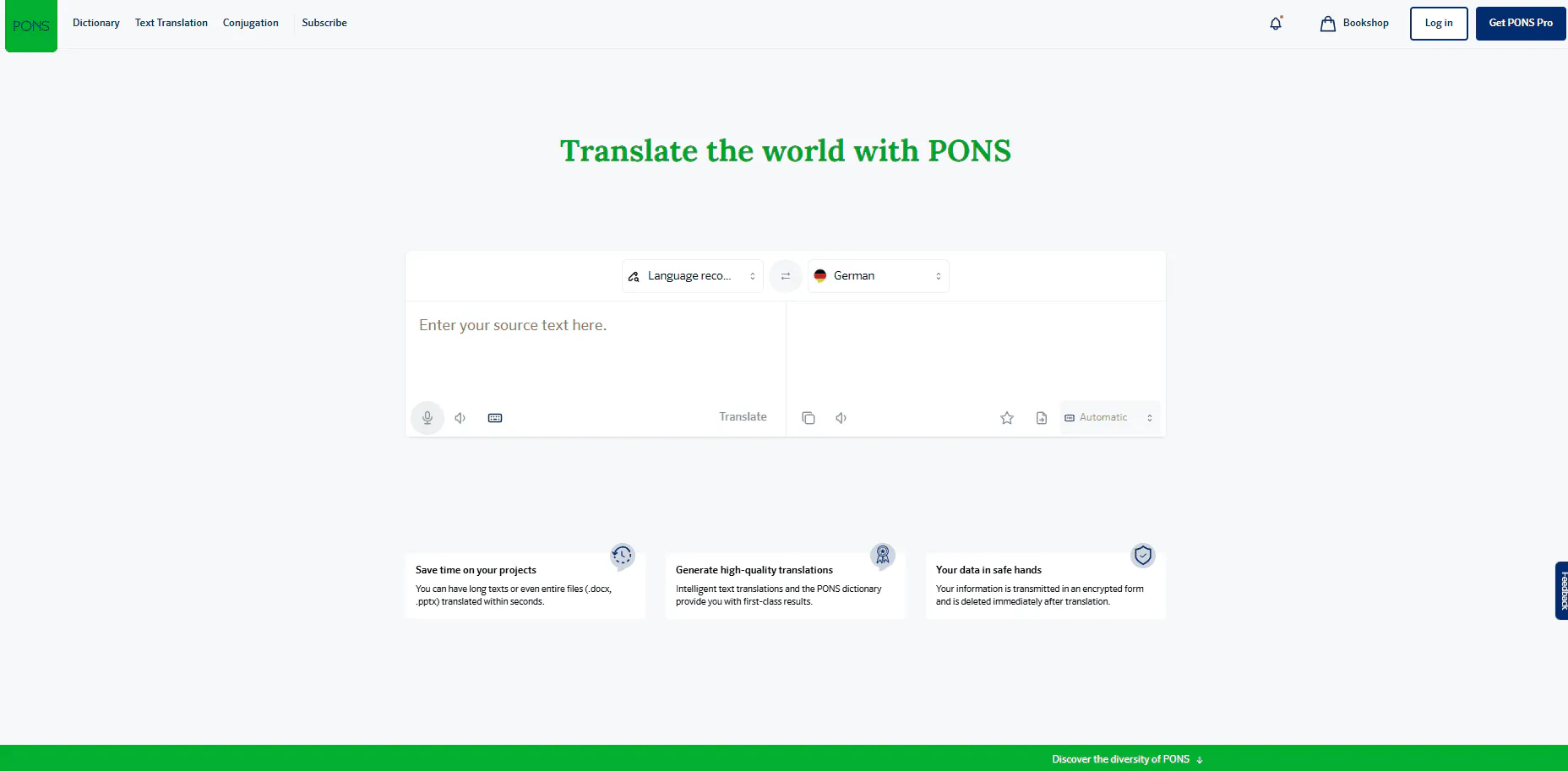
9. PONS Translator
Best for: Detailed dictionaries and language learning support
PONS is a translation tool focused on dictionaries and structured language learning. It’s useful if you want more detailed definitions and example usage.
Key features:
- Access to multiple dictionaries
- Example sentences and usage
- Voice and text translation
- Offline dictionary features
Pros and Cons:
✅ Pros:
- Detailed dictionary entries
- Helpful example sentences
❌ Cons:
- Less accurate for complex translations
- Full features require paid version
Each app solves a different problem, from accuracy to offline use. But none of them help you build real communication skills or confidence in English.
Professional translation
While translation apps are a great solution for quick and everyday use, they may not always guarantee the level of accuracy needed for professional or technical content. In these cases, working with a reliable translation company can make a significant difference.
Professional translation services often cover a wide range of specialized needs, including technical documentation, certified translations, marketing content, software localization, and even medical or legal materials. These types of services ensure not only linguistic accuracy but also cultural and industry-specific adaptation.
Providers like Dokutech specialize in these areas, offering more precise and context-aware solutions for businesses or individuals who require higher-quality translations than automated tools can provide.
Learn English with Papora
If you want to use English in real conversations, Papora helps you build the skills step by step.
With Papora, you:
- Practice speaking in real time with expert, native-level teachers
- Improve your pronunciation, listening, and speaking together
- Follow a clear path from A1 to C1
- Learn with 500+ interactive lessons and flexible live classes
- Build confidence by using English regularly
Instead of relying on translations, you can start learning and practicing English in a structured way at your own pace.
Ready to start speaking English for real?
With Papora, you practice speaking, follow a clear learning path, and improve step by step at your own pace.
Join Papora today
Frequently asked questions about best free translation apps
Google Translate is the most versatile option, while DeepL is known for more accurate and natural translations.
Apps like Google Translate, iTranslate, and Yandex offer offline mode, but features may be limited.
They work well for simple phrases, but accuracy can drop with complex sentences or context-heavy text. If you want to go beyond translating and actually use the language, tools like Papora help you build real communication skills.