
Quick answer: the best free translation apps for fast and accurate results are:
| App | Best for |
| Lara Translate | Context-aware text and document translation |
| iTranslate | Voice translation and quick everyday use |
| Google Translate | All-purpose translations (text, voice, camera) |
| DeepL Translator | High accuracy and natural translations |
| Yandex Translate | Offline translations with multiple languages |
| Translate Now | Quick mobile translations with AI features |
| Babylon Translator | Document translation |
| Reverso Translator | Learning with real examples |
| Translator PONS | Detailed grammar and verb conjugation |
Translation apps can help you understand English faster - but they won't teach you how to speak it.
If you want to practice communication skills, pronunciation, and real conversations, online English classes can provide opportunities to use English actively instead of relying only on translations.
Tired of relying on translation apps?
Translation apps help in the moment. With Papora, you learn to understand and communicate in English without relying on translations.
Learn to communicate in English


Which Translation App Is Right for You?
If you're not sure which translator to choose, here's a quick recommendation based on your needs:
| If you need... | Recommended app |
| Context-aware text and document translation | Lara Translate |
| The most accurate translations | DeepL Translator |
| Offline translations | Yandex Translate |
| An all-purpose translation app | Google Translate |
| Voice translation for travel | iTranslate |
| Vocabulary learning with examples | Reverso Translator |
| Dictionary-based translations | PONS Translator |
The right choice depends on how you plan to use it. Below, you'll find the key features, advantages, and limitations of each translation app to help you decide which one fits your needs.
1. Lara Translate
Best for: Context-aware text and document translation
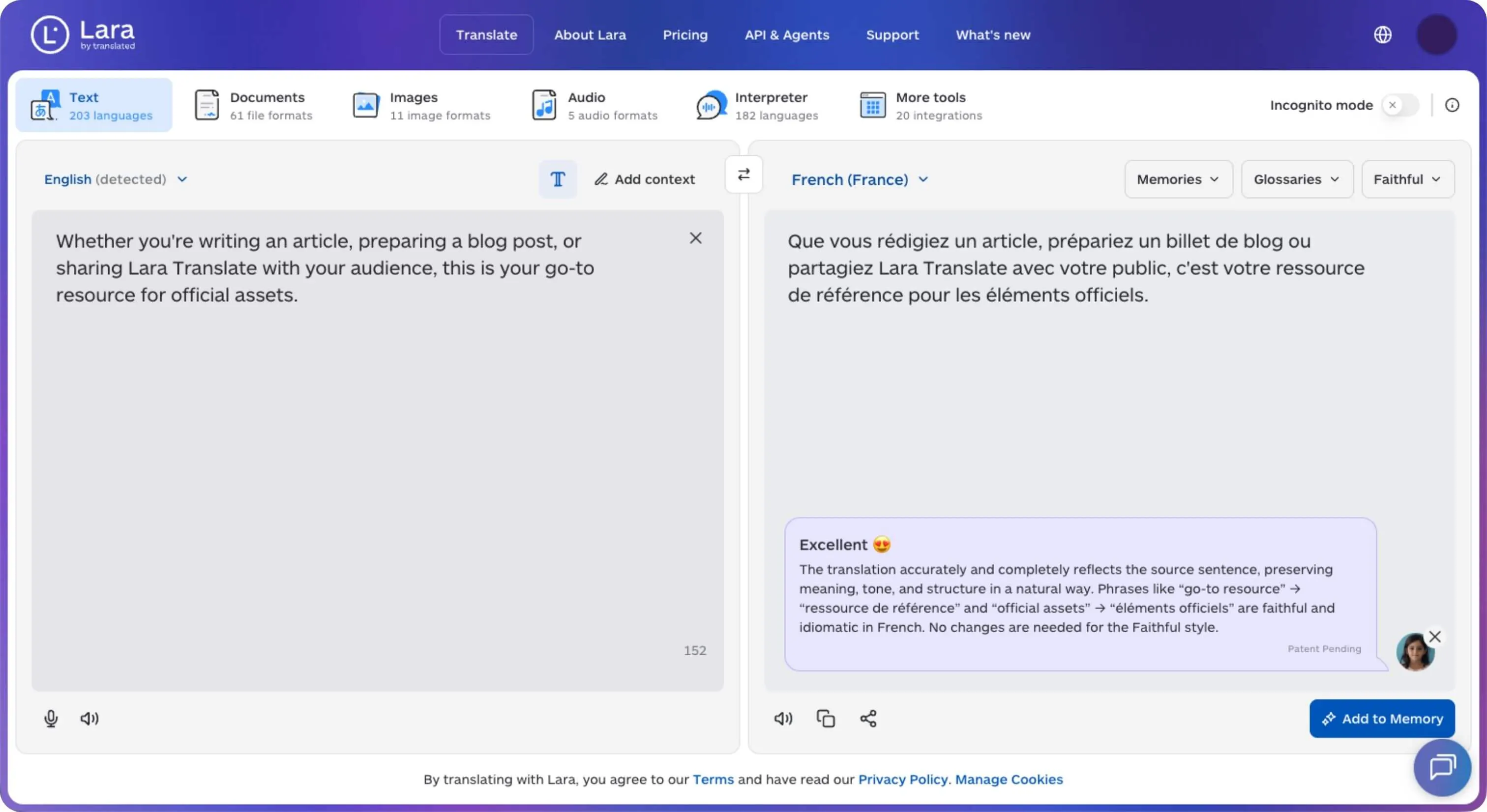
Lara Translate is an AI translator that supports over 200 languages and lets you add context to guide your translation. You can choose between faithful, fluid, and creative styles, making it useful for understanding how meaning and tone carry across languages. If you’re learning English, try reading a short passage yourself first, then use Lara to check any sentences you find confusing.
Key features
- Text translation in 200+ languages
- Document translation that preserves the original layout
- Faithful, fluid, and creative translation styles
- Add context to help guide translations
- Alternative translations to explore different wording
Pros and Cons:
✅ Pros:
- Context and style options give you more control over the result
- Supports both short texts and full documents
❌ Cons:
- Requires an internet connection
- Specialized content may still need human review
2. iTranslate
Best for: Voice translation and quick everyday use
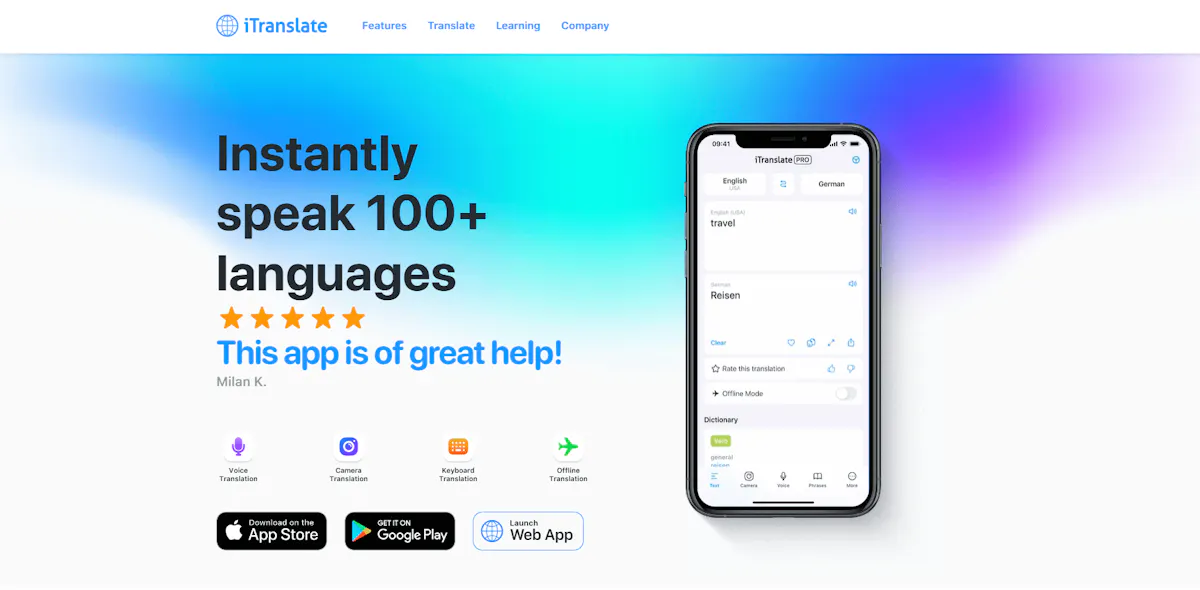
iTranslate supports 100+ languages for text translation and offers voice, camera, and offline translation. Its offline mode supports 41 languages for text and 5 languages for voice.
Key features:
- 100+ languages for text translation
- Voice, text, and camera translation
- 41 languages available for offline text translation
- 5 languages available for offline voice translation
Pros and Cons:
✅ Pros:
- 250+ predefined phrases in the built-in Phrasebook
- Offline text translation in 41 languages
❌ Cons:
- Offline voice translation is limited to 5 languages
- Some features, including offline translation and camera translation, require iTranslate PRO
3. Google Translate
Best for: All-purpose translations (text, voice, camera)
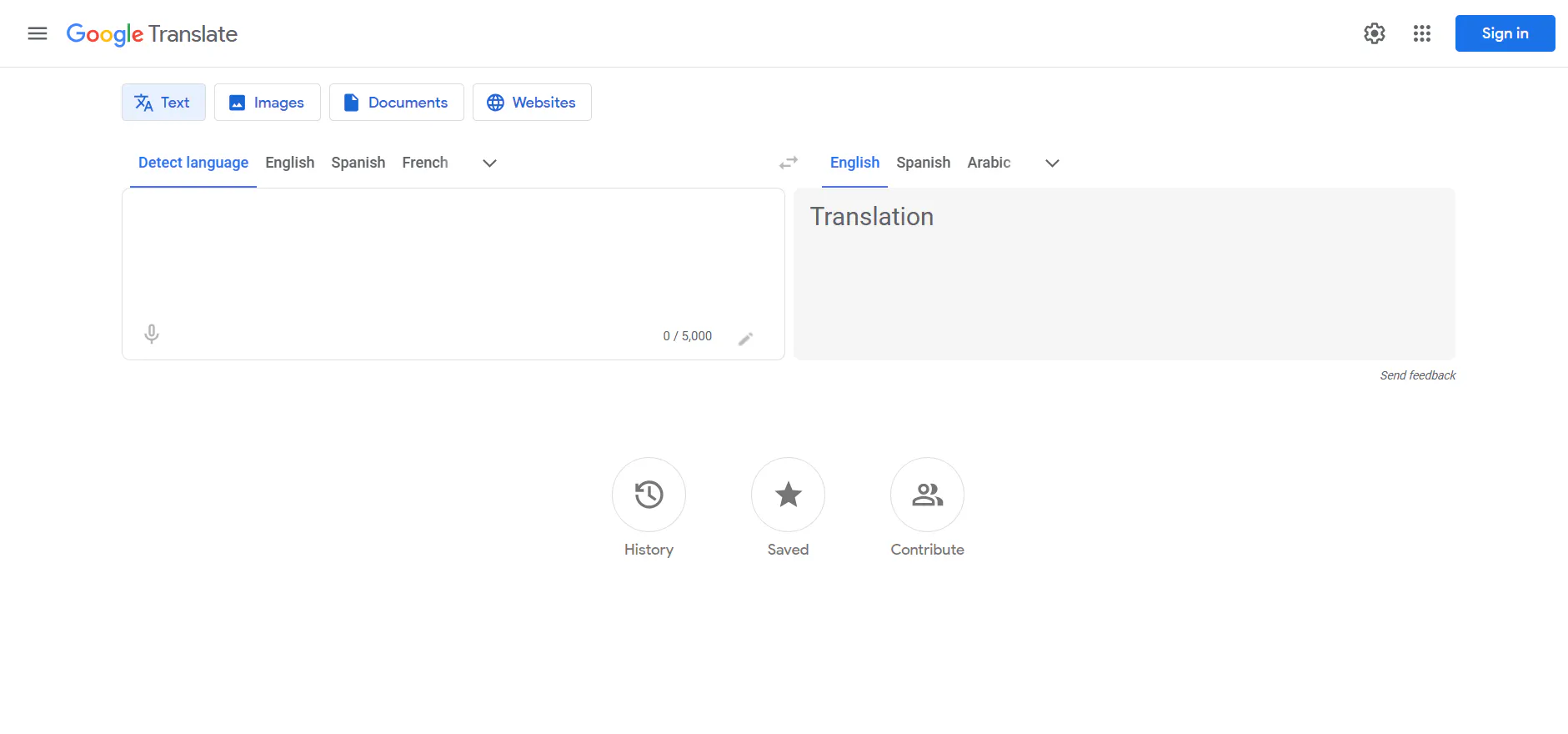
Google Translate supports almost 250 languages and more than 60,000 potential language pairs. It can translate text, speech, images, and handwriting, with offline translation available for downloaded language packs.
Key features:
- Nearly 250 languages supported
- Text, voice, image, and handwriting translation
- 70+ languages supported for live speech translation
- Offline translation with downloadable language packs
Pros and Cons:
✅ Pros:
- Nearly 250 supported languages
- Text, voice, image, and handwriting translation
❌ Cons:
- Offline availability varies by language
- Live speech translation supports fewer languages than text translation
4. DeepL Translator
Best for: High accuracy and natural translations
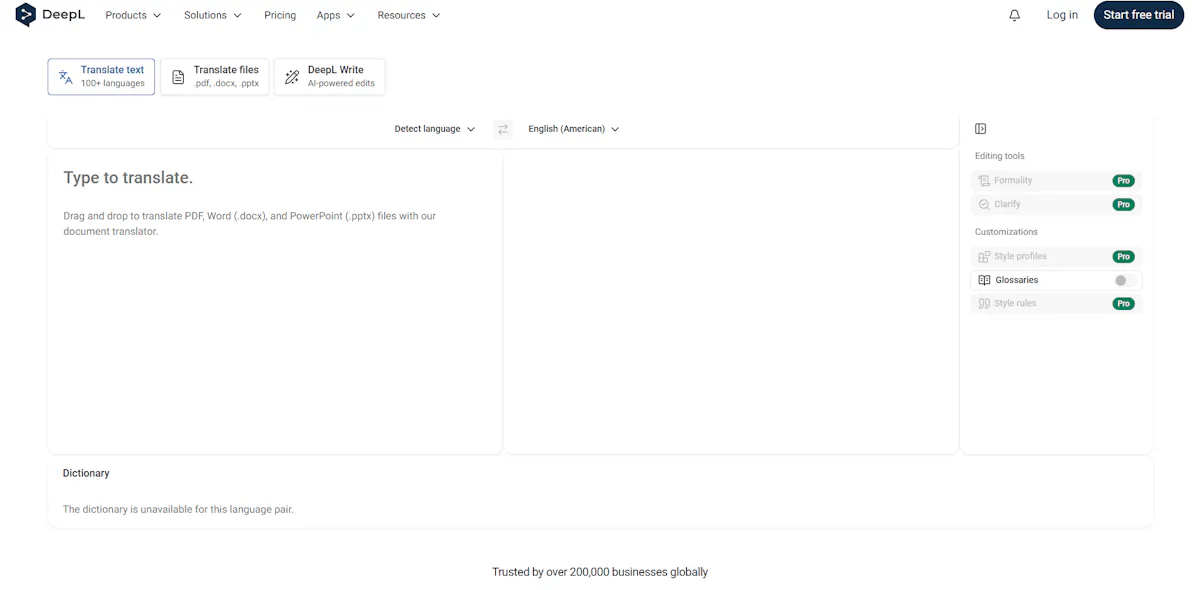
DeepL Translator supports 100+ languages across its translation services. Text and voice translation support 30+ languages, while document translation extends to 100+ languages and preserves the original formatting and layout.
Key features:
- 100+ languages available for document translation
- 30+ languages supported for text and voice translation
- Text, voice, image, and document translation
- Document translation preserves the original formatting and layout
Pros and Cons:
✅ Pros:
- Document translation supports 100+ languages
- Free users can translate up to 1,500 characters per image per day with image translation
❌ Cons:
- Text and voice translation are limited to 30+ languages
- Free translation is limited to 1,500 characters per text input
5. Yandex Translate
Best for: Offline translations
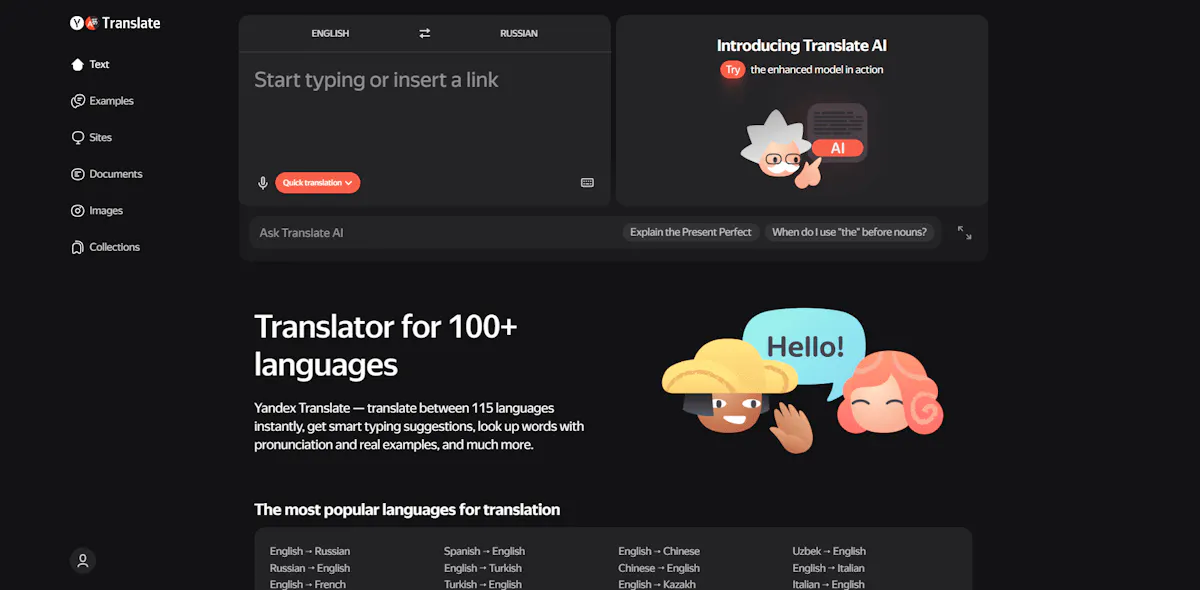
Yandex Translate supports 100 languages online and can translate text, images, and websites. Its visual text recognition currently supports 45 languages, while offline mode lets you translate manually entered text without an internet connection.
Key features:
- 100 languages available for online translation
- Text, image, and website translation
- Visual text recognition in 45 languages
- Offline text translation with downloadable language dictionaries
Pros and Cons:
✅ Pros:
- Offline text translation available after downloading language dictionaries
- Dictionary entries include usage examples, synonyms, and related expressions
❌ Cons:
- Voice input and dialog mode do not work offline
- Image translation requires an internet connection
Translation apps can solve quick problems - whether it's offline use, conversations, or accuracy. But they all have one limitation: they don't show how much you actually understand. If you'd like to measure your skills, taking an English level test can help you identify your current level and learning needs.
Stop translating. See how much English you actually understand.
Translation apps help in the moment. But they don’t show you how much you really understand. With Papora, you can check your level and start improving your communication step by step.
Check your English level
6. Translate Now
Best for: Quick mobile translations with AI features
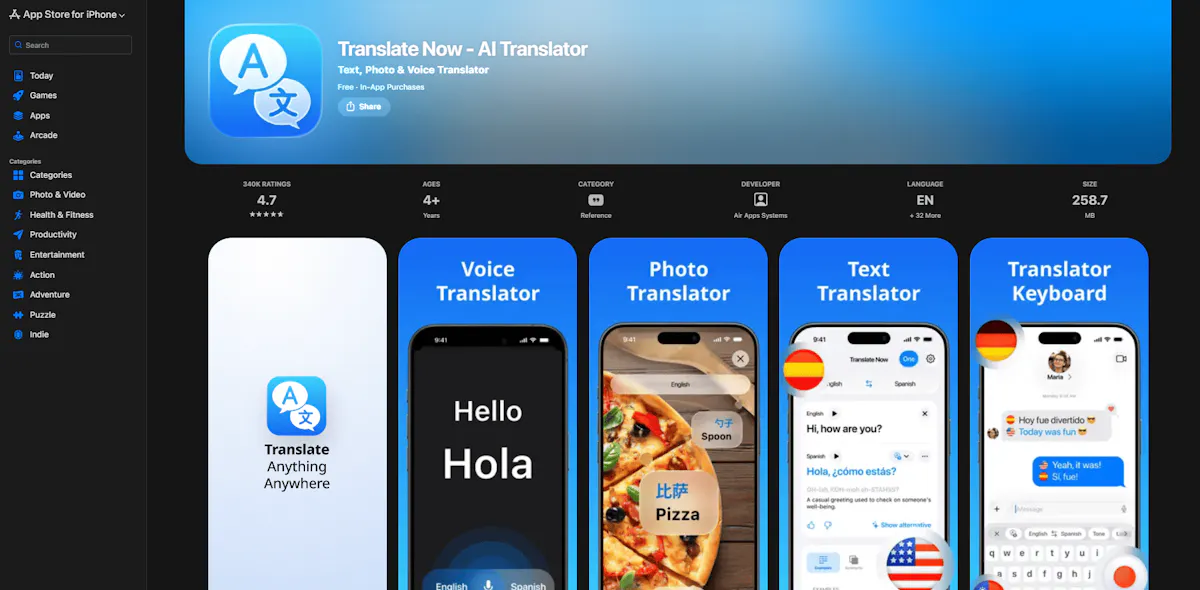
Translate Now supports 320+ languages for text, voice, and photo translation. It also includes an AI-powered Translator Keyboard that supports 60+ languages and lets users choose between AI translation models.
Key features:
- 320+ languages for text, voice, and photo translation
- Real-time text, voice, and photo translation
- Translator Keyboard in 60+ languages
- Multiple AI models for translation
Pros and Cons:
✅ Pros:
- 320+ languages supported
- Translator Keyboard works in 60+ languages
❌ Cons:
- Unlimited translations require a premium subscription
- Camera text translation and AI model selection are premium features
7. Babylon Translator
Best for: Document translation and built-in dictionaries
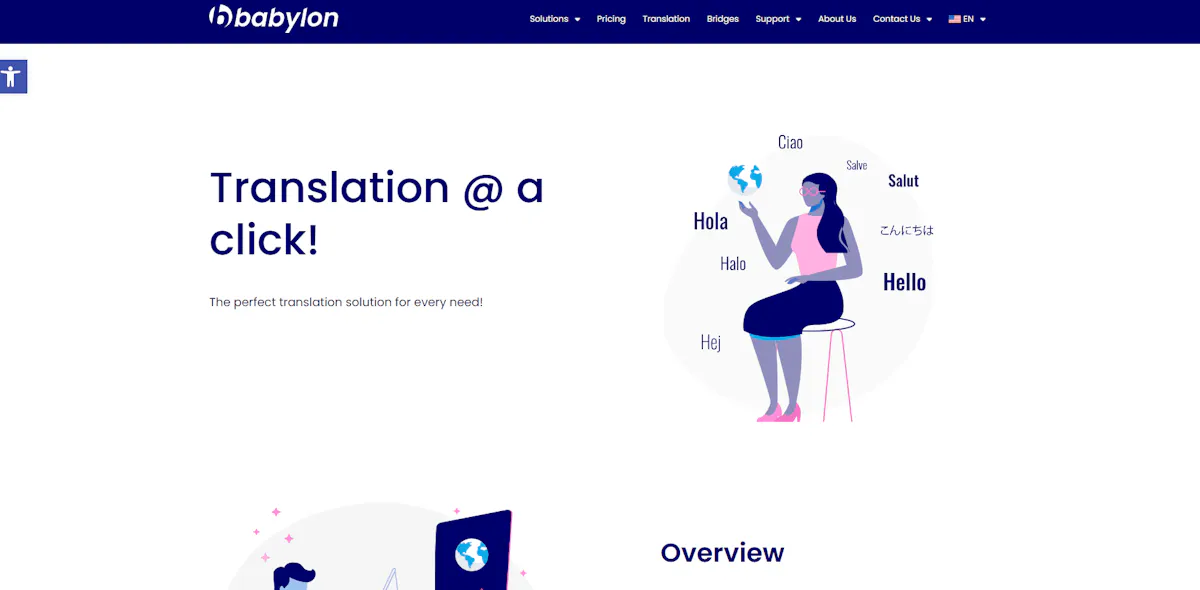
Babylon offers text and document translation with support for Word, Excel, PowerPoint, and PDF files. Its free demo includes 1 dictionary and a limited number of translation attempts.
Key features:
- Text and document translation
- Support for 4 document formats: Word, Excel, PowerPoint, and PDF
- Built-in dictionaries and glossary tools
- Human Voice pronunciation in 30 languages
Pros and Cons:
✅ Pros:
- Supports 4 common document formats
- Human Voice pronunciation in 30 languages
❌ Cons:
- Free demo has limited translation attempts
- Only 1 dictionary is included in the free demo
8. Reverso Translator
Best for: Learning with real examples and context
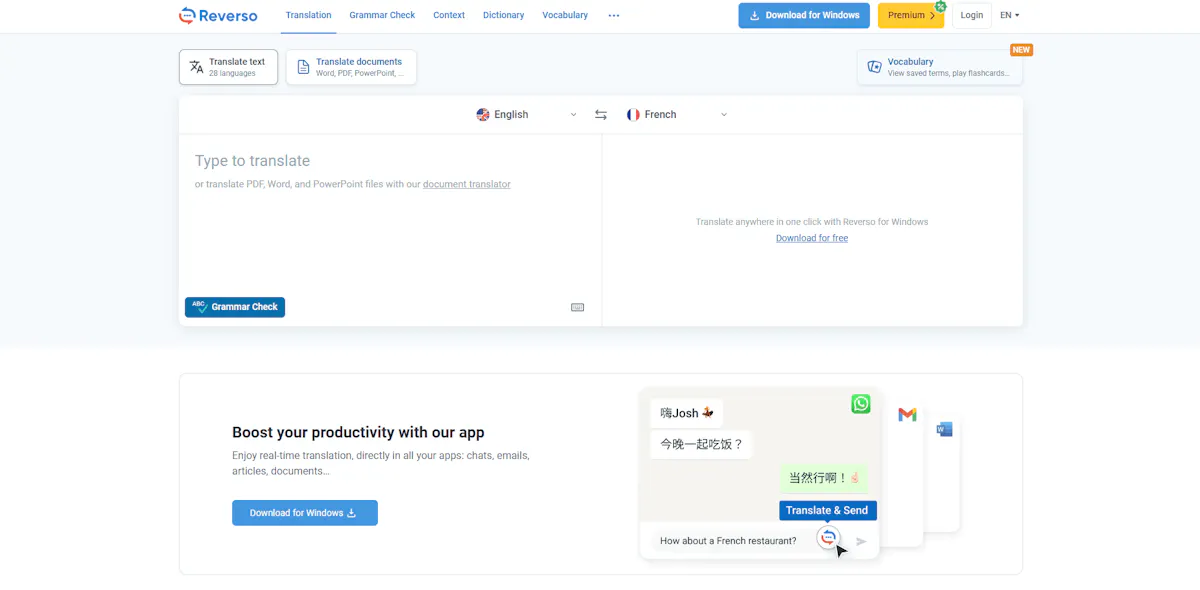
Reverso is a translation tool focused on real-life examples and context. It covers 25+ languages and 100+ language pairs, with around 2 million entries per direction. It can also complement other English vocabulary resources when you're trying to expand your vocabulary and improve comprehension.
Key features:
- Translations with real example sentences from billions of real-world examples
- 25+ languages and 100+ language pairs
- Built-in pronunciation and vocabulary lists
- Visual dictionary with 40,000+ images
Pros and Cons:
✅ Pros:
- Around 2 million entries per language direction
- Real-world examples from documents, news, books, and movie dialogues
❌ Cons:
- Translation coverage is limited to 25+ languages
- Some learning features, including unlimited vocabulary saving and personalized learning, require Premium
9. PONS Translator
Best for: Detailed dictionaries and language learning support
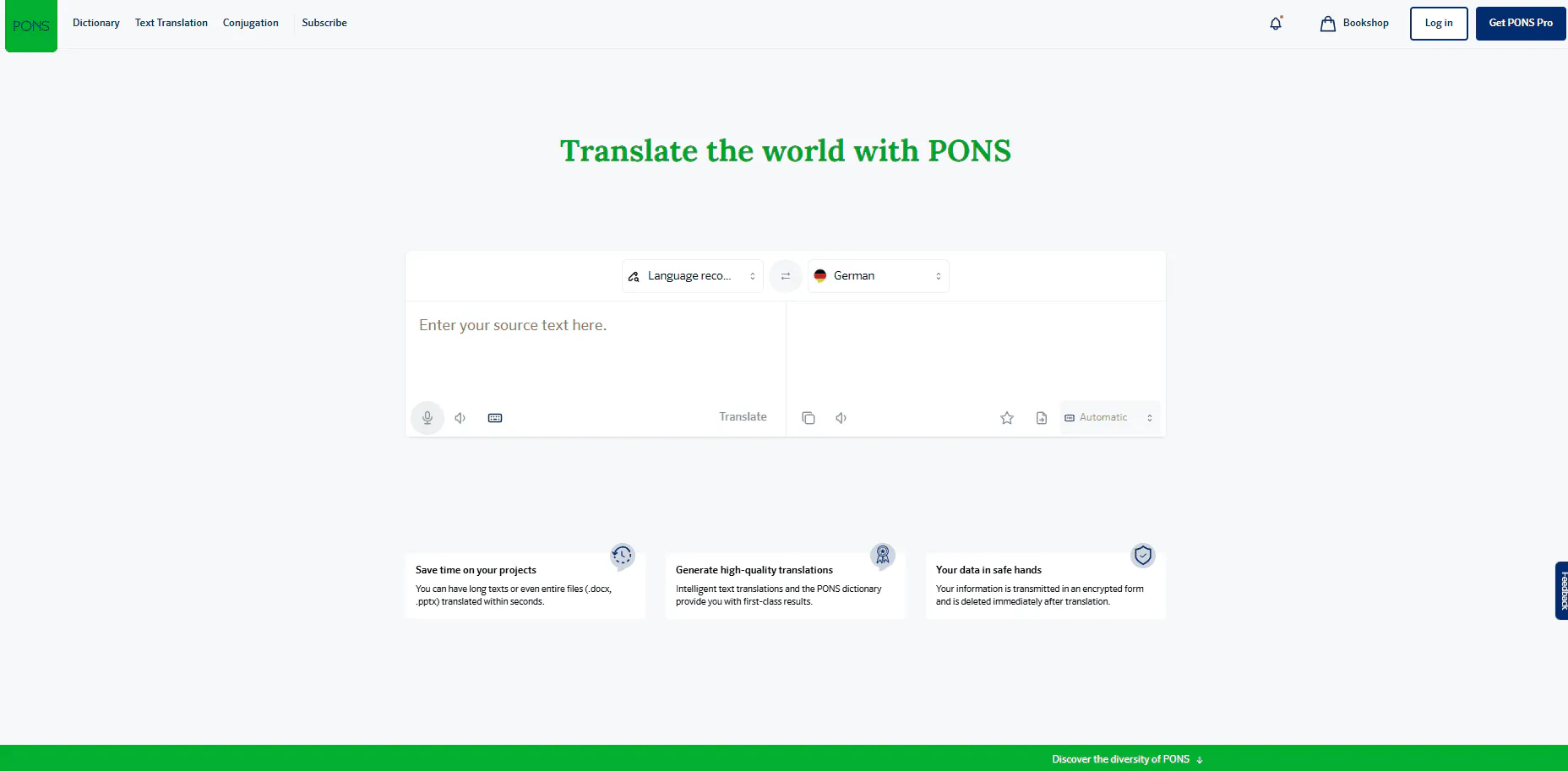
PONS Translate gives users access to 44 PONS dictionaries in 36 languages, with translations for words, phrases, and texts. The free online translator is available without an in-app purchase, while selected dictionaries can also be downloaded for offline use.
Key features:
- 44 PONS dictionaries covering 36 languages
- Example sentences and language-usage information
- Voice and text translation
- Selected dictionaries available for offline use
Pros and Cons:
✅ Pros:
- 44 dictionaries with professionally edited dictionary content
- Free online translation available without an in-app purchase
❌ Cons:
- Offline dictionaries require an in-app purchase
- Dictionary coverage is limited to 36 languages
Each app solves a different problem, from accuracy to offline use. But none of them help you build real communication skills or confidence in English.
Can Translation Apps Help You Learn English?
Translation apps can be useful learning tools, especially when you need help understanding words, phrases, or content in another language. They can make reading and everyday communication easier, but they are not designed to replace language practice.
What translation apps help with:
- Understanding unfamiliar words
- Translating short texts
- Reading content in another language
- Quick communication support
What translation apps do not fully develop:
- Speaking confidence
- Pronunciation skills
- Real conversations
- Long-term communication ability
Translation apps are helpful when you need quick answers. However, building real communication skills usually requires regular speaking, listening, and interaction in English.
If you're just getting started, following a structured guide on how to learn English from scratch can help you build a stronger foundation than relying on translation tools alone.
Professional translation
While translation apps are a great solution for quick and everyday use, they may not always guarantee the level of accuracy needed for professional or technical content. In these cases, working with a reliable translation company can make a significant difference.
Professional translation services often cover a wide range of specialized needs, including technical documentation, certified translations, marketing content, software localization, and even medical or legal materials. These types of services ensure not only linguistic accuracy but also cultural and industry-specific adaptation.
Providers like Dokutech specialize in these areas, offering more precise and context-aware solutions for businesses or individuals who require higher-quality translations than automated tools can provide.
Quick Recommendations
If you're still deciding which translation app to use, compare the main features and limitations of each option:
| Translation app | Best for | Language coverage | Key feature | Main limitation |
|---|---|---|---|---|
| Google Translate | All-purpose translation | Nearly 250 languages | Text, voice, image, and handwriting translation | Feature availability varies by language |
| iTranslate | Voice and everyday translation | 100+ languages | Offline text translation in 41 languages | Offline voice translation in 5 languages |
| Microsoft Translator | Real-time conversations | 70+ languages | Group conversations for up to 100 participants | Voice and live conversation features require internet |
| DeepL Translator | High-quality and document translation | 100+ languages for documents | Preserves document formatting and layout | Text and voice translation available in 30+ languages |
| Yandex Translate | Offline text translation | 100 languages | Image translation and downloadable dictionaries | Image translation requires internet |
| Translate Now | Quick mobile translations | 320+ languages | AI translation and 60+ language keyboard | Unlimited translations require Premium |
| Babylon Translator | Document translation and dictionaries | — | Word, Excel, PowerPoint, and PDF translation | Free demo has limited translation attempts |
| Reverso Translator | Context and language learning | 25+ languages | Real-life examples and vocabulary tools | Some learning features require Premium |
| PONS Translator | Dictionaries and language learning | 36 languages | 44 PONS dictionaries | Offline dictionaries require an in-app purchase |
Translation apps can help with quick translations, vocabulary, and everyday communication. If your goal is to communicate confidently in English, however, you'll also need opportunities to practice speaking, listening, and using the language in real situations.
Learn English with Papora
If you want to use English in real conversations, Papora helps you build the skills step by step.
With Papora, you:
- Practice speaking in real time with expert, native-level teachers
- Improve your pronunciation, listening, and speaking together
- Follow a clear path from A1 to C1
- Learn with 500+ interactive lessons and flexible live classes
- Build confidence by using English regularly
Instead of relying on translations, you can start learning and practicing English in a structured way at your own pace.
Ready to start speaking English for real?
With Papora, you practice speaking, follow a clear learning path, and improve step by step at your own pace.
Join Papora today
Frequently asked questions about best free translation apps
DeepL is often considered one of the most accurate translation apps for European languages. It is known for producing natural-sounding translations and preserving context better than many alternatives.
Some translation apps, including Google Translate, iTranslate, and Yandex Translate, offer offline translation features. However, available languages and functionality may vary depending on the app.
They work well for simple phrases, but accuracy can drop with complex sentences or context-heavy text. If you want to go beyond translating and actually use the language, tools like Papora help you build real communication skills.
It depends on your needs. DeepL is generally preferred for translation accuracy and natural phrasing, while Google Translate supports more languages and offers features like camera, voice, and offline translation.
Translation apps can help you understand words, phrases, and texts. However, they do not fully develop speaking confidence, pronunciation, or real communication skills, which require active language practice. Many learners combine translation tools with dedicated English learning apps to build these skills more effectively.
Google Translate and iTranslate are popular choices for travelers because they offer voice translation, camera translation, and support for many languages. Offline features can also be useful when internet access is limited.
AI translation apps are generally reliable for everyday communication and simple texts. However, translations may be less accurate for technical content, idioms, or complex sentences, so important information should always be reviewed carefully.