

TRACK YOUR TEAM’S PROGRESS
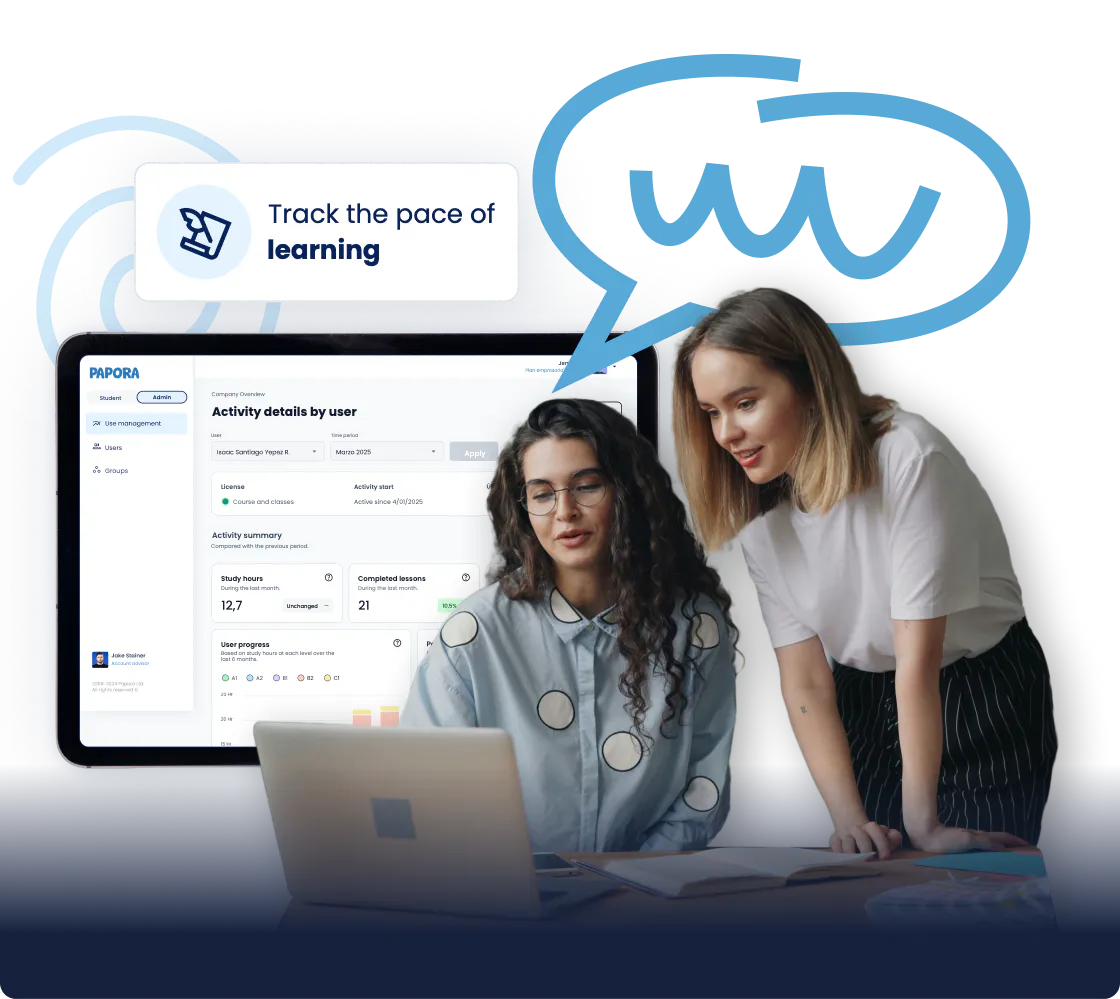
Our admin dashboard for companies gives you full visibility: who’s making progress, how many hours your team is putting in, and which English levels each person is practicing. Data to make decisions, not assumptions.
Schedule a demo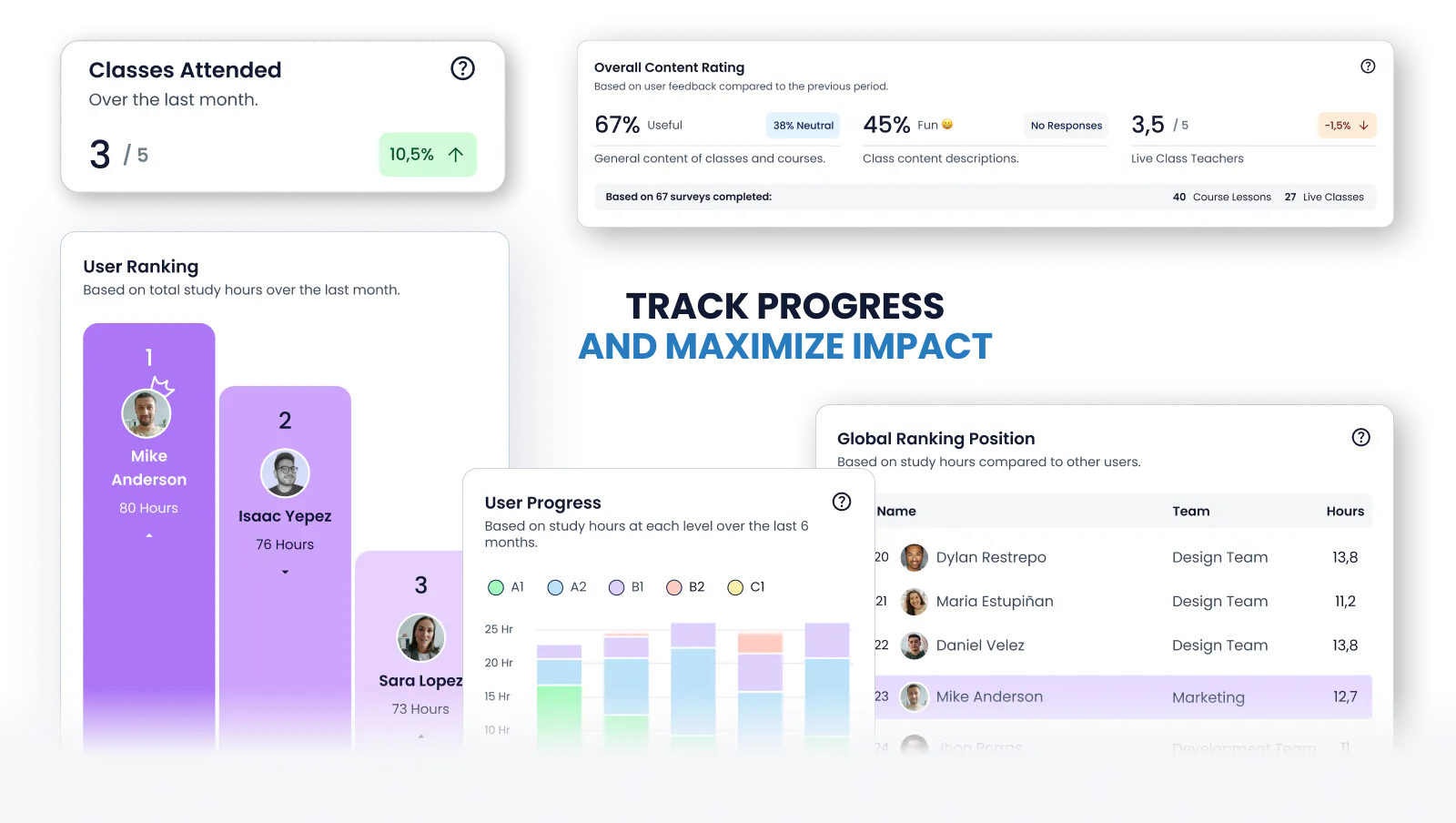
Recommended by:


See Progress in Real Time

Ready-to-Present Reports

Management Without the Admin Work
EVERYTHING YOU CAN MANAGE
FROM THE DASHBOARD
STOP GUESSING. START MEASURING.
Full Visibility Into Your Team’s Real Progress
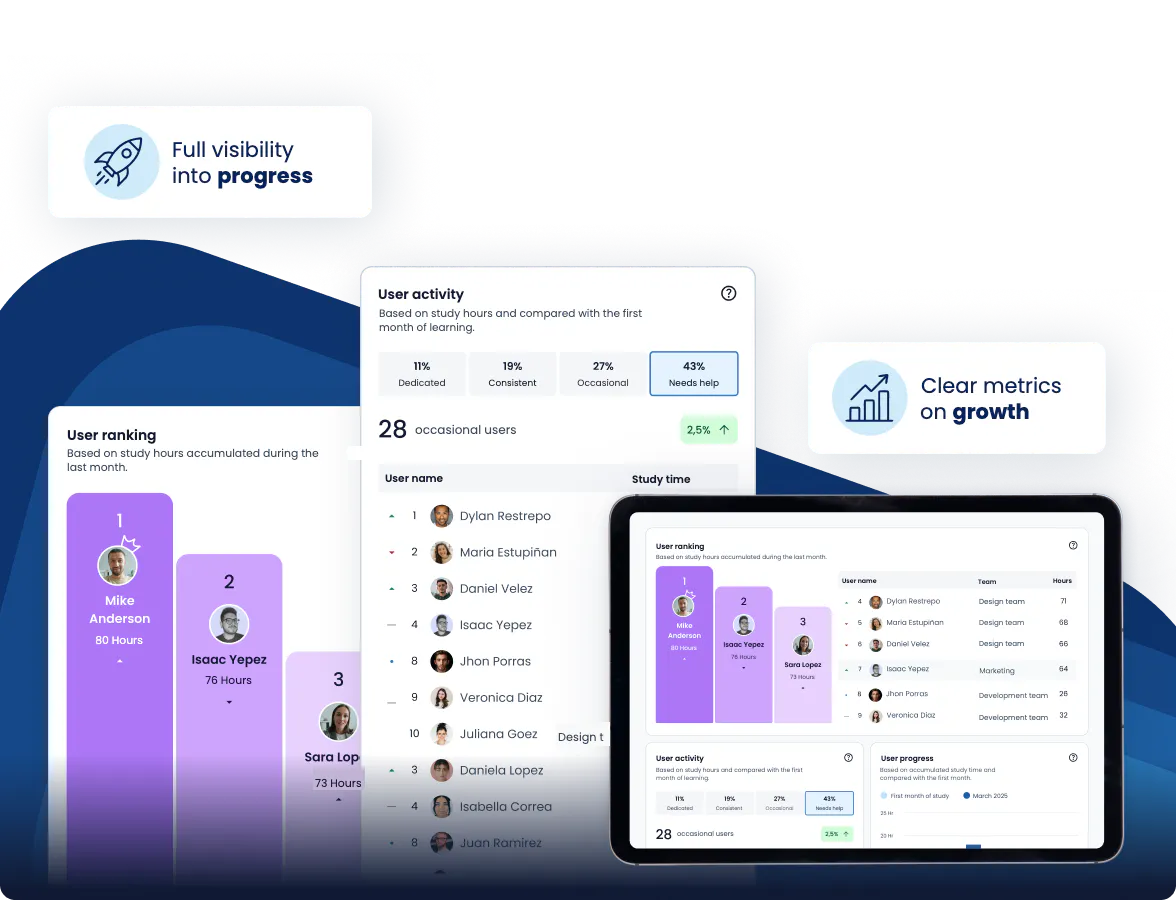
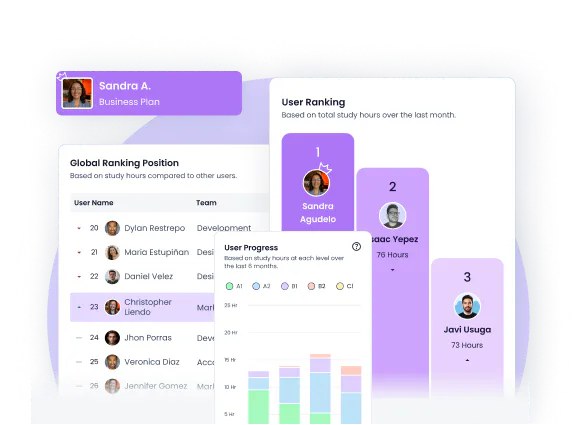
The dashboard shows you how many training hours your team completed this week, each person’s current level, and how they’ve progressed over the past few months. You can filter by department to see which areas are moving forward and which need more support. All of this is available in real time, without waiting until the end of the month.
MANAGE WITHOUT THE HASSLE
Simple Management for Changing Teams
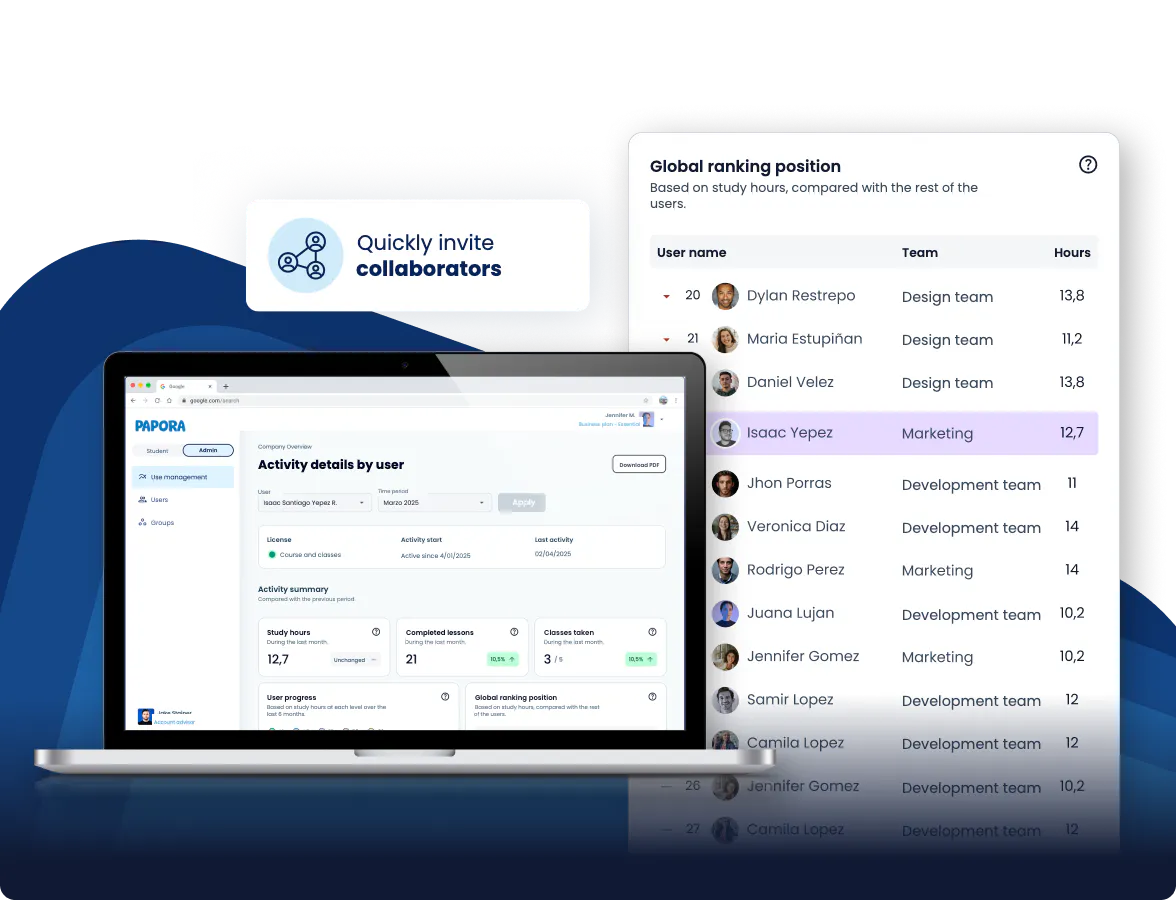
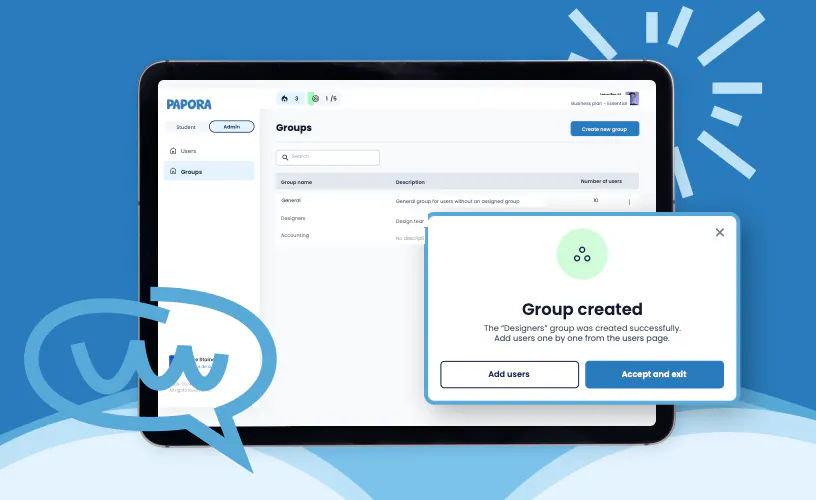
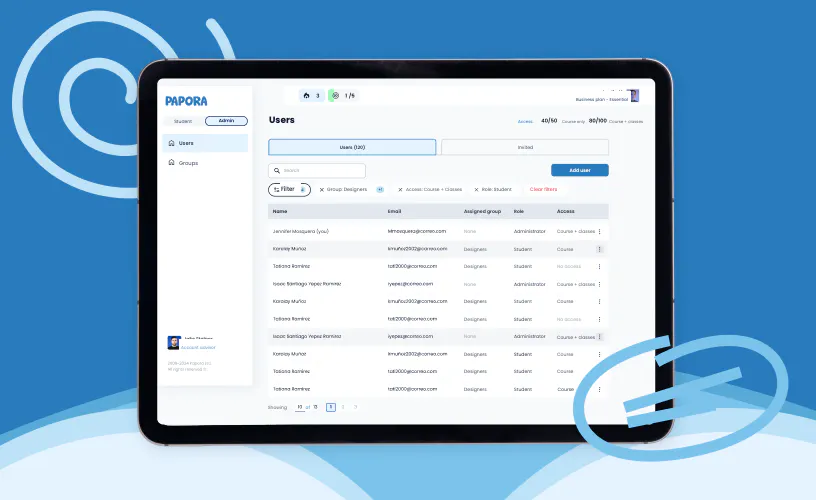
Inviting a new employee takes less than a minute. You can create groups by department and deactivate accounts without losing their history. High team turnover isn’t a problem: the dashboard is designed to make management fast and frictionless.
SUPPORT GROWTH WITH CLEAR DATA
Clear Feedback to Help Every Employee Grow
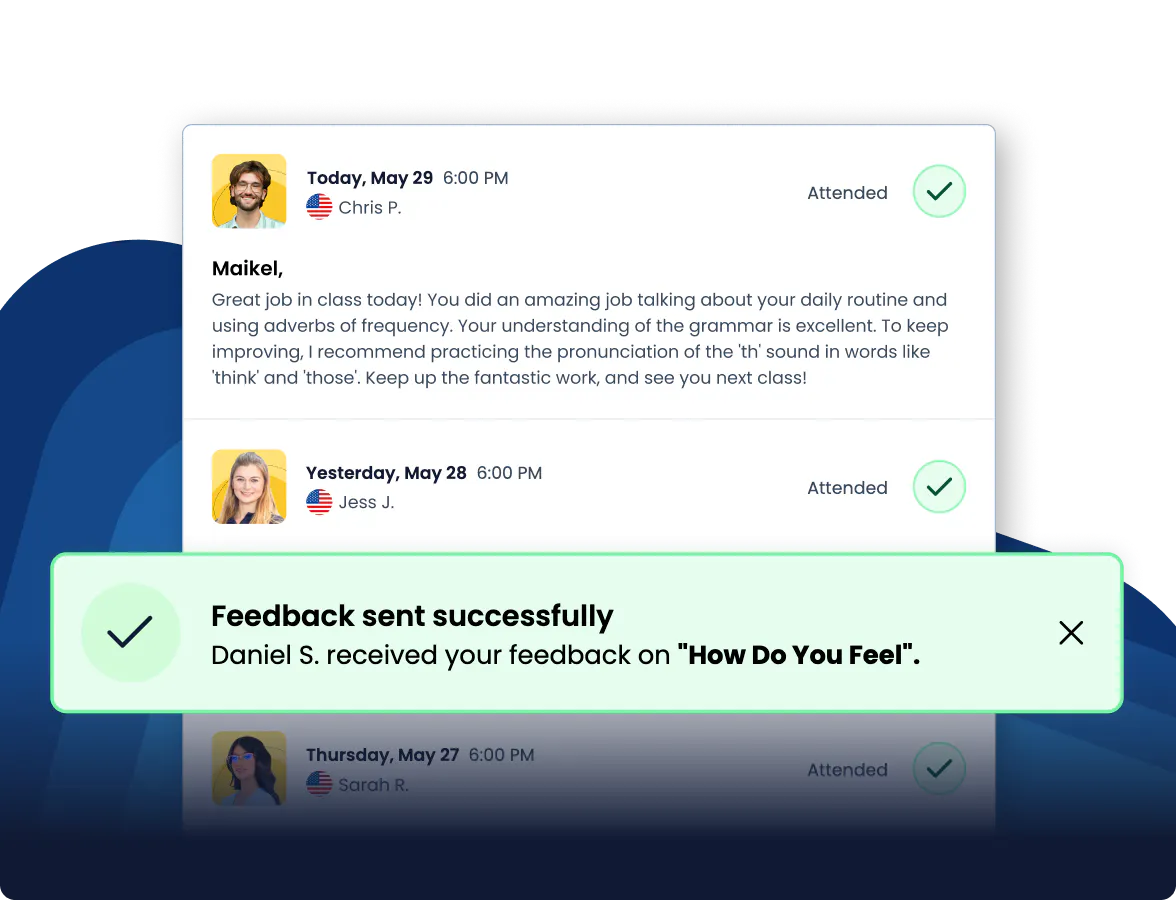
From the dashboard, you can see the feedback teachers give each employee after their classes, including notes on fluency, pronunciation, and communication. That way, you can understand how each person is doing and support their development with clear information, not assumptions.
They Get Support When They Need It
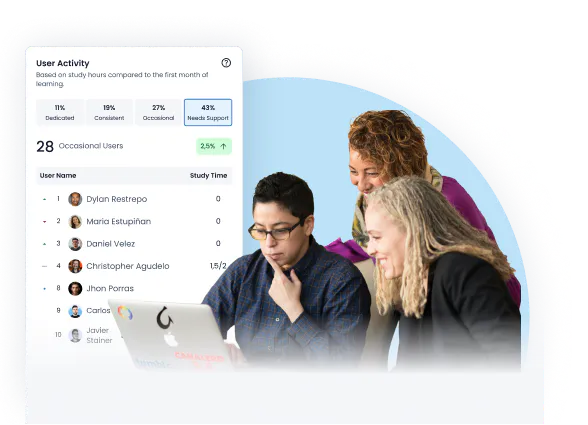
The system spots who hasn’t been active in weeks, who’s stuck, and who needs extra help. This lets you step in early with support, plan adjustments, or guidance before anyone falls behind. That way, every employee can keep learning steadily and without friction.
-
Spot early who needs support or is stuck
-
Step in with adjustments, reminders, or guidance
-
Help every employee keep progressing without falling behind

Clear Data to Justify the Investment
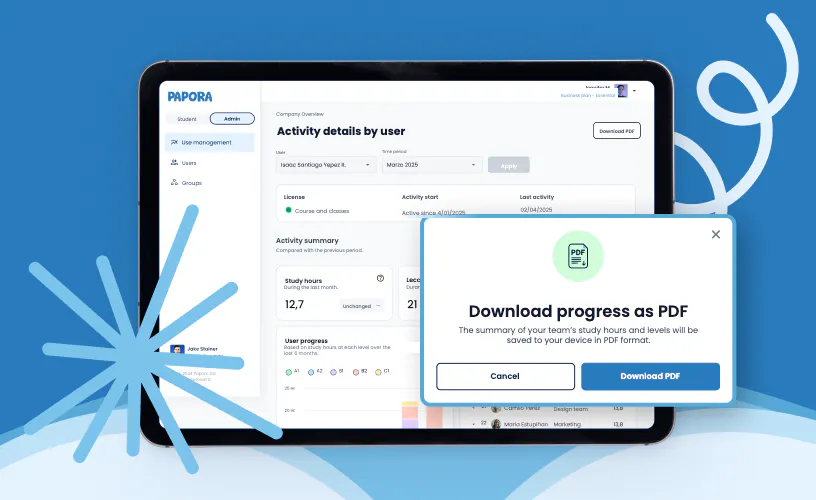
Training hours, participation by department, progress between levels. All available to download as a PDF. When it’s time to present results to leadership, your report is already done. No need to build it from scratch every time.
-
Clear metrics on hours, participation, and progress by level
-
Reports ready to download as a PDF
-
Present results without building reports from scratch
What Companies Usually Ask Before Requesting a Demo
THREE SPECIFIC QUESTIONS STRAIGHT ANSWERS
“How hard is this to implement?”
The dashboard is ready from day one. You invite your employees by email, assign groups, and they can get started. There are no complex integration processes and no need for a technical team. Most companies are up and running in less than 48 hours.
“Does it work if we have a lot of departments?”
You can create groups by department and track each one separately. The dashboard shows overall progress for the whole team as well as a breakdown by group. Useful for companies where different departments have different English needs.
“Can I present this to leadership?”
Yes. The downloadable reports are designed for exactly that: training hours, current levels, and monthly progress. A clean format, ready to present with no extra processing. You can schedule recurring downloads so you don’t have to remember every month.
BRING ENGLISH TO YOUR COMPANY
IN FOUR STEPS
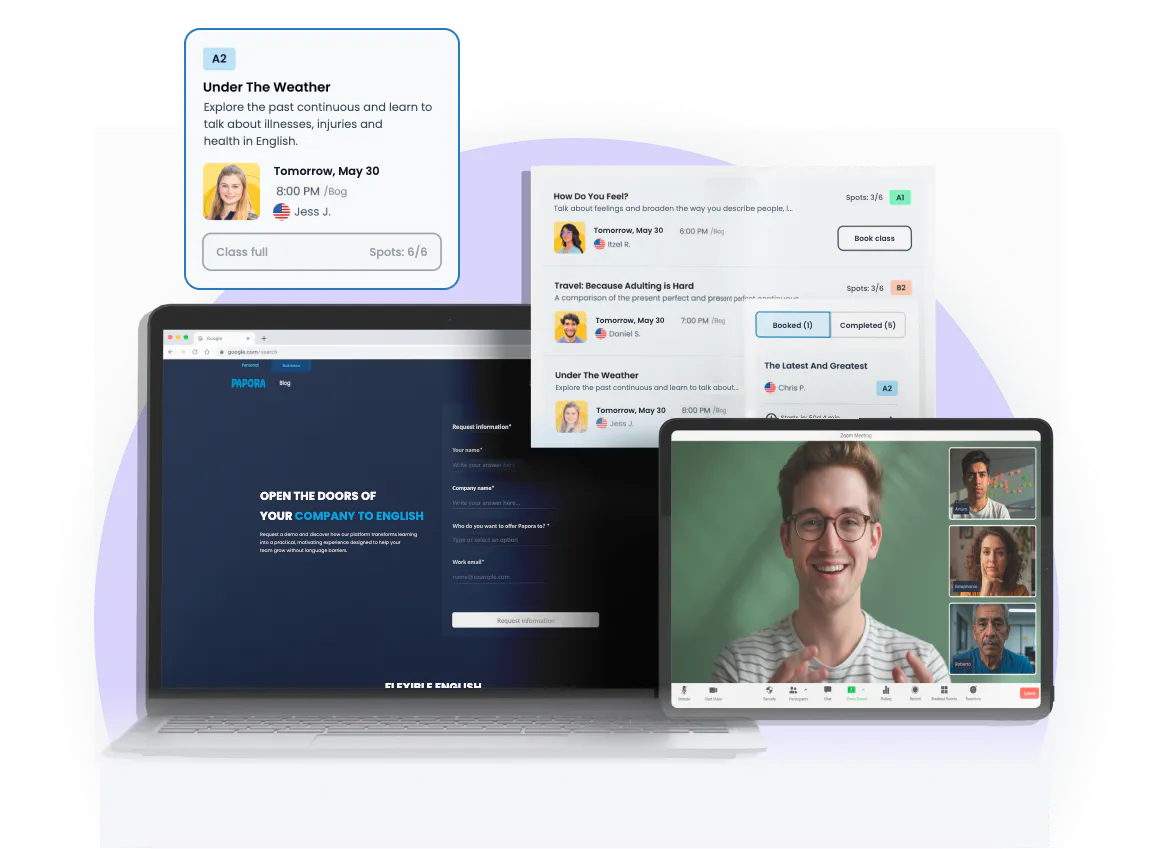
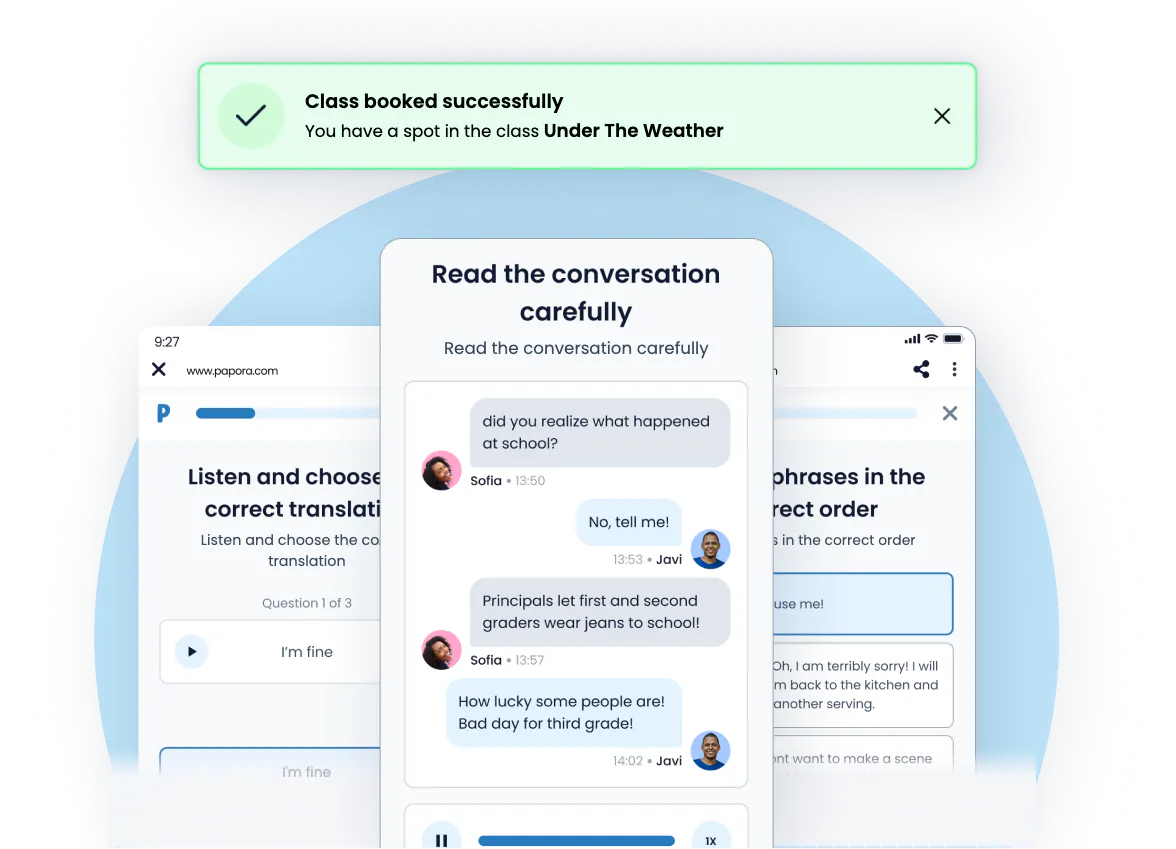
Start with a free trial, evaluate your team’s experience, and scale English learning across your company.
A Simple System Your Team Actually Uses
Frequently asked questions
These are some of the questions companies frequently ask us.
Yes. From the dashboard, you can see each employee’s progress, along with the teacher’s feedback on their communication, fluency, and pronunciation. This helps you understand how each person is progressing without having to request additional reports.
You can see usage hours, levels by employee, and how your team has progressed over time. All the information is centralized so you get a clear view of their learning.
No. You can invite, move, or deactivate employees in seconds without losing their learning history. The dashboard is designed to adapt to changing teams.
Yes. You have access to their class history, progress, and feedback, all organized in a timeline so you can understand how they’ve progressed from the start.

